Your loads. Your tickets. On the record.
The demo is a full demo company with today’s data. No account needed.
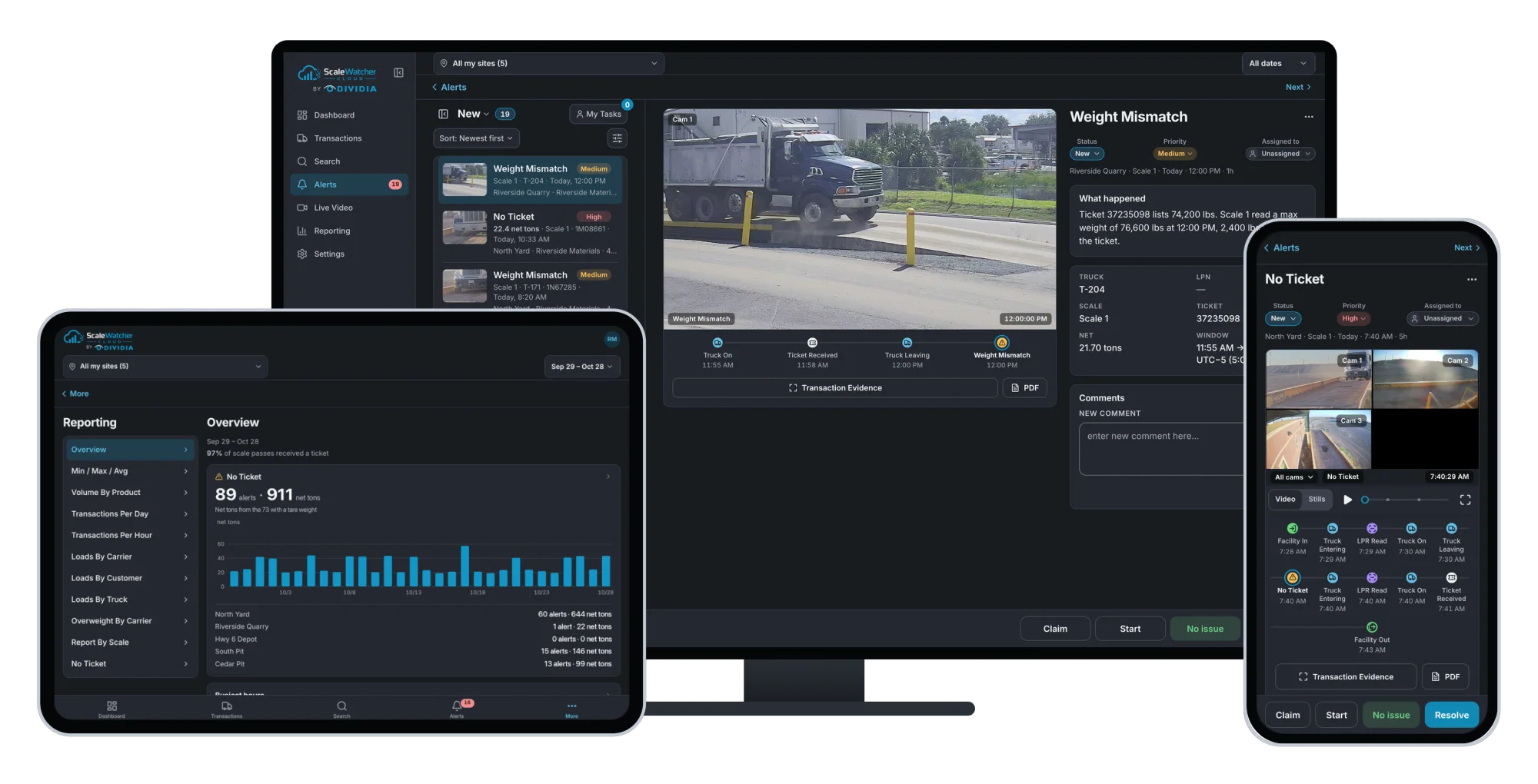
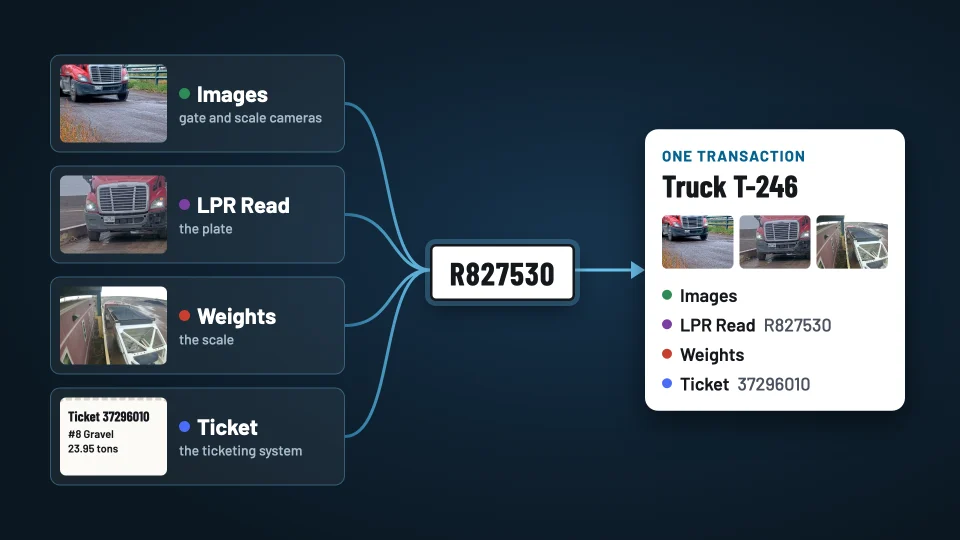
The ScaleWatcher device at your site joins the events your site records for a truck, such as its plate, weights, ticket and images, into one transaction. ScaleWatcher Cloud flags the loads that need a look and shows where the time goes, across your sites, from any browser.
Follow one load
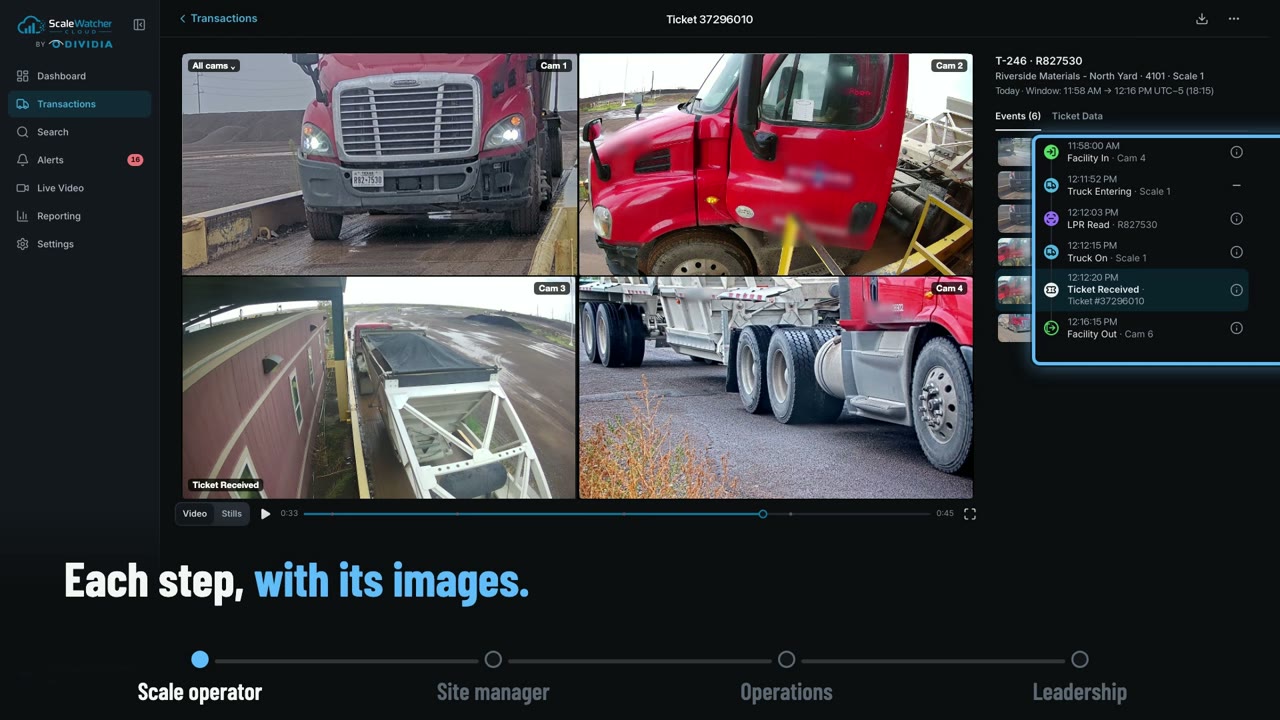
Same plate at the gate, the scale and the exit: one transaction.
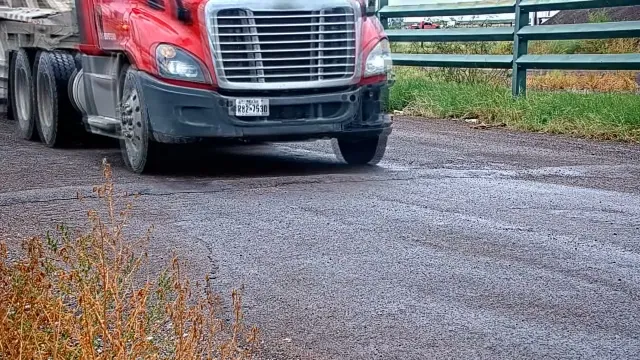 Facility InThe gate camera reads R827530
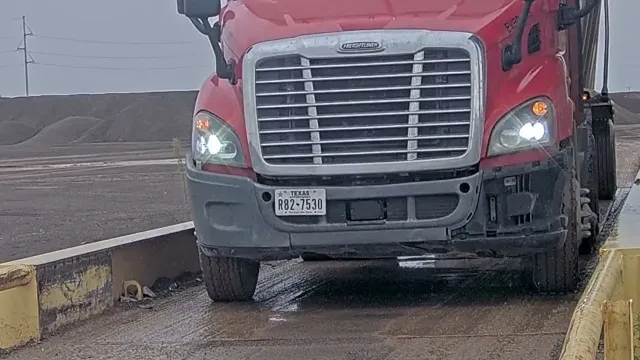 LPR ReadThe same plate, at the scale
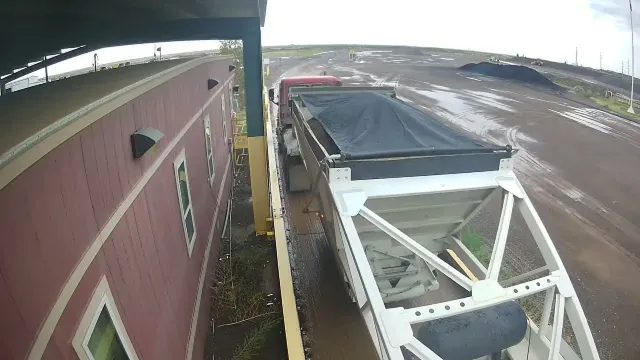 Truck OnOn the scale, with its weight
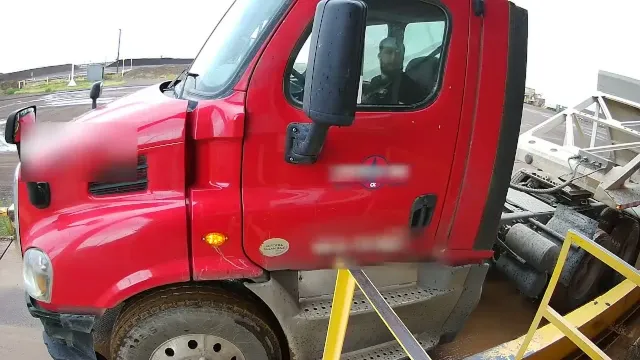 Ticket ReceivedTicket 37296010: #8 Gravel, 23.95 tons
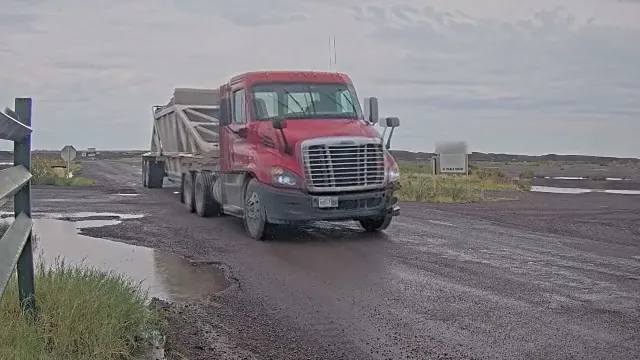 Facility OutThe same plate, at the exit
Truck T-246 · on site 11:58 AM to 12:16 PM · Facility Time 18 min · one record, with its images and ticket
Draft: the ScaleWatcher video plays here once it is on YouTube.
One click: the whole transaction.
Events are timestamped, with an image where a camera covers that point, and an optional short video clip. Which events a transaction holds depends on the site’s equipment and setup. One facility visit holds one or more scale transactions (for example, a tare pass then a loaded pass), tied together by the truck’s license plate. Alerts and valve events join the same record.
What you get
Catch the loads that need a look.
What it catches
- No Ticket: a truck crossed the scale and no ticket came in.
- Overweight: the max weight is over the site’s limit.
- Weight Mismatch: the ticket’s weight does not match the scale’s.
- Equipment: scale connection, valve data and manual tickets.
What it saves
- Disputes: a load’s images and ticket in one PDF record.
- Truck time: Facility, Wait and Load Time by hour, product and carrier.
- Searching: find a load by ticket, plate, truck, customer or carrier, across your sites.
- Follow-up: claim, assign and resolve alerts from a phone.
Decisions it supports
- Staffing: when the scale is busiest and trucks queue.
- Carriers: which one overloads, and how fast their trucks turn.
- Customers: who buys what, and what moves on which day.
- Lanes: which scale is slow or raises the alerts.
How it works
From the site to the cloud
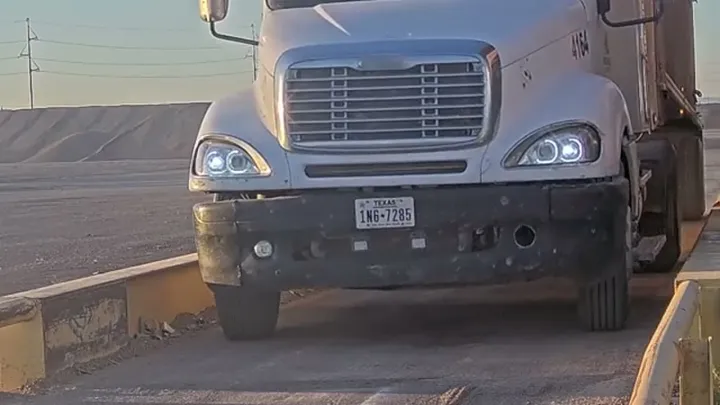
Your site’s equipment
- LPR cameras
- Scale
- Ticketing system
Plate reads and images, weights and the ticket.
Dividia NVR or Cloud NVR
Joins the events, images and ticket it receives by license plate into one transaction per truck, from Facility In to Facility Out, on site.
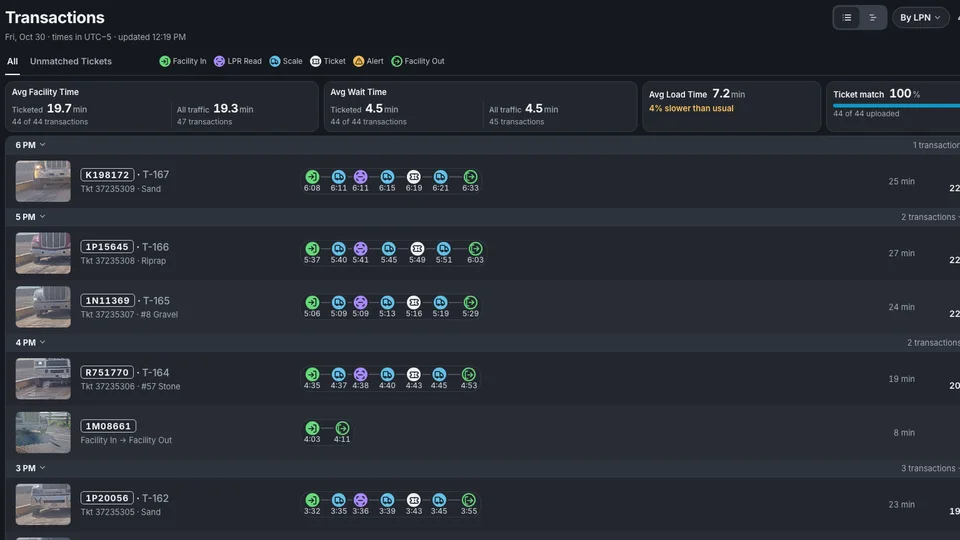
Your sites, any screen
One transaction per truck, with its images, on a phone, tablet or desktop. Alerts by email and text message.
Truck time
How a truck’s time on site is measured
Facility Time23.2 min on site, Facility In to Facility Out
Your data, in your tools
The ScaleWatcher API delivers transactions, events, alerts, ticket PDFs and metrics by product, customer, carrier, scale, hour or day, as JSON for the BI and dashboard tools, spreadsheets or systems you already use.
Read the API reference